Turning a Transcript Into a Clean, Publishable Article
Raw transcripts are messy, repetitive, and lack clear structure. Learn the exact workflow to translate a spoken conversation into a polished, engaging article without losing the original voice.
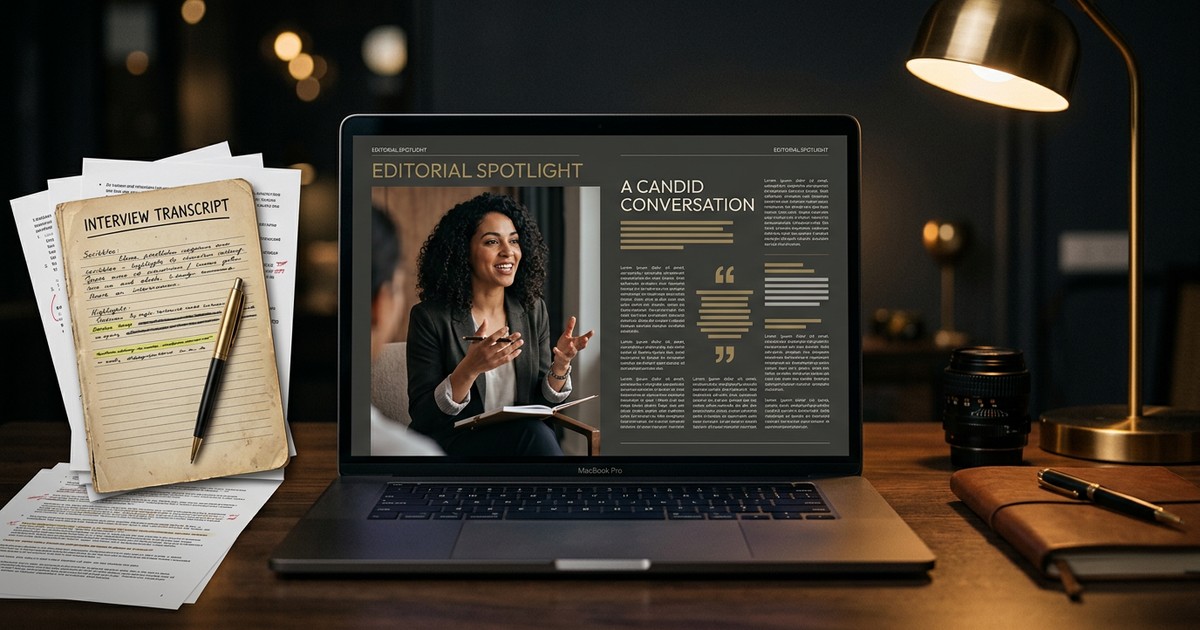
Raw transcripts are a mess. Even the most articulate speakers repeat themselves, lose their train of thought, and rely on vocal inflection to make a point. Turning that raw text into a publishable article requires more than just fixing the punctuation—it requires translating the spoken word into the written word.
The Trap of Literal Transcription
When you first look at a transcript, the instinct is to just polish it. You delete the filler words, fix the grammar, and hit publish. This is a mistake. Readers consume text differently than listeners consume audio. A 30-minute podcast might be highly engaging to listen to, but its literal transcript is a wall of rambling, repetitive text.
You have to be ruthless with the raw material. The spoken word relies on pacing, tone, and the charisma of the speaker to maintain attention. The written word relies entirely on structure, clarity, and momentum. If you simply paste a cleaned-up transcript into your blog, your readers will bounce within seconds.
Your job is not to transcribe; your job is to translate. You are translating an audio experience into a reading experience. This means taking ownership of the structure, changing the order of ideas, and sometimes rewriting entire sentences to capture what the speaker meant, rather than exactly what they said.
Step 1: Secure the Raw Material
Before you can edit, you need the text. If you are working with video or audio, you need a highly accurate starting point. You can run your media through a https://narratora.com/free-youtube-transcript-generator to pull the raw text immediately.
If you are pulling from existing content, understanding https://narratora.com/blog/how-to-get-youtube-transcript is the first mechanical step in your repurposing workflow. Once you have the text document in front of you, the real work begins. Do not try to edit in the same window you used to generate the text. Move it into a clean word processor so you can begin the teardown.
Step 2: Clean the Speech (and Keep the Voice)
Spoken language is incredibly inefficient. We use crutch words to buy time while our brains process the next thought. We restart sentences halfway through. We interrupt ourselves.
Your first pass through the transcript is the cleanup phase. You need to strip away the inefficiency while preserving the speaker's unique voice. This requires a careful balance.
Here is what you must remove during the first pass:
- Filler words and crutch phrases: Beyond "um" and "ah," look for conversational crutches like "you know," "sort of," "at the end of the day," and "to be honest."
- False starts: A speaker might say, "I went to the—when I was at the store, I saw the product." Delete the aborted thought. The text should simply read, "When I was at the store, I saw the product."
- Verbal nods: If it is an interview, remove the interviewer's "Right," "Yeah," and "Exactly" that occur in the middle of the subject's sentences.
- Repetitive emphasis: Speakers often repeat a phrase to ensure it lands. "It was huge. It was just a huge shift for us." Consolidate this into a single, punchy statement.
While you are cutting the fat, you must actively protect the lean meat. Do not sanitize the text so much that it sounds like a corporate press release. Keep the speaker's favorite idioms. If they speak casually, maintain their contractions and colloquialisms. If they are highly academic, preserve their precise vocabulary. The goal is to make them sound like the absolute best, most articulate version of themselves.
Step 3: Find the Core Argument
Transcripts rarely start with a clear thesis. A speaker often discovers their main point halfway through a recording. In a natural conversation, a great insight might not happen until minute forty.
As the editor, your job is to find that insight and pull it to the very top. Readers will not wait forty minutes to find out why an article matters. They need to know in the first three paragraphs.
Read through your cleaned transcript without making further edits. Look for the "aha" moments. What is the single most valuable takeaway from this entire block of text? Once you find it, write it down as a one-sentence thesis.
Everything else in the transcript must now be evaluated against this thesis. This is where you decide https://narratora.com/blog/what-to-do-with-youtube-transcript sections that wander off-topic. If a tangent does not support your core argument, cut it. You can save those deleted sections for future newsletters or social posts, but they do not belong in this article.
Step 4: Restructure for Reading
Spoken communication is circular. A speaker will introduce an idea, move to a tangent, tell a story, and then circle back to the original idea. Written communication must be linear. You introduce an idea, you prove it, and you move on to the next one.
This means you cannot just read the transcript top to bottom. You have to physically move paragraphs around. Group all related points together, regardless of when they were spoken during the recording.
To understand why this is so critical, look at how the two formats fundamentally differ:
| Spoken Communication | Written Communication |
|---|---|
| Repetitive to ensure listeners hear the point | Concise because readers can easily reread |
| Relies on tone, pitch, and pauses for emphasis | Relies on punctuation, formatting, and word choice |
| Chronological, conversational flow | Thematic, structured flow with headings |
| Context is assumed based on the setting | Context must be explicitly stated |
Group your themes and assign an H2 heading to each one. Subheadings are the skeleton of your article. They allow readers to skim the content and understand the logical progression of your argument before they read a single paragraph. If you want to https://narratora.com/blog/convert-youtube-video-to-blog-newsletter-script efficiently, mastering this thematic restructuring is the most important skill you can develop.
Step 5: Write the Missing Pieces
Audio transcripts lack the connective tissue required for reading. When you move from a video to a blog post, you have to write the missing pieces yourself.
The Introduction
Spoken intros are universally terrible for text. "Hey everyone, welcome back to the channel. Today we have a great guest." Nobody wants to read that. Delete the spoken intro entirely. Write a brand new hook that grabs the reader's attention, establishes the stakes, and clearly states what they will learn by reading the rest of the page.
The Transitions
In audio, a pause or a shift in tone signals a change in topic. In text, a hard paragraph break is not enough. When you restructure your thematic blocks, you must write transitional sentences to bridge them. Connect the end of one concept to the beginning of the next so the reader glides through the article without friction.
The Outro
Podcasts and videos often end with a sudden fade-out or a barrage of housekeeping announcements ("Like and subscribe, leave a review"). In an article, you need a definitive conclusion. Summarize the main takeaways, reinforce the core argument, and give the reader a clear, singular call to action.
Step 6: Add What Wasn't Spoken
Text demands a level of precision that speech allows you to skip. When people speak, they use visual cues, shared context, and physical gestures to convey meaning. You have to translate those invisible elements into hard text.
Explicit Context
If the speaker says, "When that new update dropped last week, it changed everything," you have a problem. The reader might be looking at this article two years from now. "Last week" means nothing. You need to intervene and write, "When the iOS 17 update launched in September..." Provide the nouns that the speaker left out.
Data and References
Speakers rarely cite their sources perfectly in real-time. They might say, "I read a study that said 80 percent of startups fail." As the writer, you need to verify that statistic, add the exact number, and hyperlink to the actual study. This builds authority and trust with your reader.
Visual Descriptions
If you are transcribing a presentation or a video essay, the speaker might say, "As you can see on this chart, the trend is going up." In a standalone article, the reader cannot see the chart. You either need to take a screenshot of the video and insert the image, or you need to describe the chart's data explicitly in the text.
Step 7: The Final Polish
By now, your document looks nothing like the raw transcript you started with. It is structured, linear, and punchy. The final step is to read it aloud.
Reading the written text aloud helps you catch awkward phrasing that looked fine on the screen but sounds clunky in practice. Even though you are optimizing for reading, the text should still have a natural rhythm. If you stumble over a sentence while reading it out loud, your reader will stumble over it in their head. Fix it.
Ensure your H2s and H3s are correctly formatted. Break up long, dense paragraphs into shorter, more digestible chunks. Digital readers are scanners. They do not read word-for-word initially; they scroll to see if the article is worth their time. Use bullet points where appropriate to add white space to the page, and bold key phrases so the eye has something to grab onto.
Turn Transcripts Into Content Automatically
Manually translating a raw transcript into a publishable article is a highly effective skill, but it is incredibly time-consuming. Restructuring themes, rewriting intros, and cleaning up conversational filler takes hours of focused work.
Narratora was built to handle this translation for you. You just upload your source material—whether that is a raw transcript, a messy document, a video, or an audio file—and the platform detects what it is, recommending the exact right workflow. There are no forms to fill out and no questionnaires to answer. The product philosophy is simple: give Narratora what you have, and it figures out the rest. Whether you need a polished blog article, an engaging newsletter, or a fully designed presentation slide deck, you can generate publish-ready content in minutes. Stop manually editing messy audio logs and start your trial to turn your raw transcripts into finished content today.
Add Narratora as a preferred source on Google
Tell Google you want our guides and tools first. Preferred sources show up higher in Top Stories, AI Mode and AI Overviews for you.
Add on GoogleTurn your sources into content like this
Narratora builds publish-ready scripts, briefs, and reports from your uploaded material.
Start Your 5-Day Trial — $1/Day