
Retention Editing for Scripts: Fixing the Parts Where Viewers Leave
Retention isn't just a post-production problem solved by jump cuts and flashy graphics. Learn how to diagnose viewer drop-off points and rewrite your script beats to hold attention from the first frame to the last.
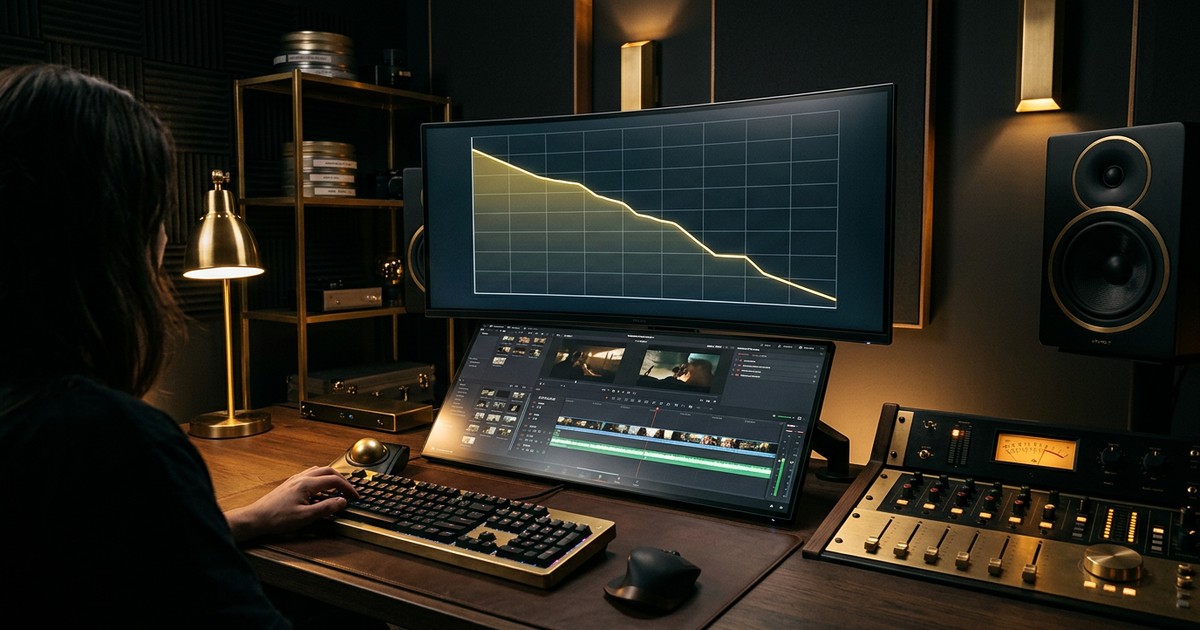
You open your YouTube analytics and see the dreaded hockey-stick drop in viewer retention. Most creators immediately blame the video edit, asking their editor to add more sound effects, jump cuts, or flashy graphics to hold attention. But retention isn't just a post-production problem. If the underlying narrative lacks tension, curiosity, or value, no amount of b-roll will stop viewers from clicking away.
Retention editing begins on the page. It requires applying the same ruthless pacing and audience psychology to your script that an editor applies to a timeline.
The Myth of Fixing It in Post
There is a persistent belief in the creator economy that visual stimulation can override a flat narrative. This leads to videos that feel over-caffeinated but ultimately hollow. Viewers are smart; they develop blindness to editing tricks very quickly. A sudden zoom or a whoosh sound effect might grab a wandering eye for two seconds, but if the speaker is still rambling through an unnecessary tangent, the viewer will leave anyway.
Scripting for retention means designing the written structure to hold attention at specific intervals. You are building the scaffolding that the visual edit will later support. When you apply retention thinking to the script, you give the editor actual momentum to work with, rather than asking them to manufacture momentum out of thin air.
Here is how narrative retention differs from visual retention:
| Visual Editing for Retention | Scripting for Retention |
|---|---|
| Adding jump cuts and zoom-ins to simulate movement. | Structuring sentences to end on a punchline or a reveal. |
| Using sound effects and light flashes for transitions. | Changing the subject matter, location, or tone at exact intervals. |
| Slapping engaging b-roll over a slow, boring explanation. | Cutting the slow, boring explanation entirely. |
Front-Loading Value to Cut the Throat-Clearing
The most common place creators lose viewers is in the first thirty seconds. This happens because writers naturally want to set the stage. They write long, contextual introductions explaining who they are, why the topic matters, and what the video will eventually cover.
In scriptwriting, this is called "throat-clearing." It is deadly to retention.
Your audience clicked the thumbnail because they were promised a specific piece of value, entertainment, or information. The longer you make them wait for proof that you are going to deliver on that promise, the higher your abandonment rate climbs. You have to front-load the value immediately.
Instead of starting with, "Hey everyone, welcome back to the channel. Today we are going to look at the history of mechanical keyboards, which I think is a fascinating topic because..." you need to drop them right into the action.
Start with the highest-stakes moment, the core conflict, or the most surprising fact. Reviewing your introductory structure and reading up on https://narratora.com/blog/how-to-write-a-youtube-hook will help you compress your opening. Cut the backstory. Give them the result or the stakes immediately, and earn the right to explain the context later.
Designing Open Loops in the Text
An open loop is a psychological trigger. It is a question raised early in the narrative that is not answered until later. Television writers use open loops constantly to keep viewers watching through commercial breaks.
However, you cannot just open a massive loop in minute one and force the audience to wait until minute fifteen for the payoff. Modern attention spans require a series of micro-loops to bridge the gap toward the macro-loop.
If the macro-loop of your video is, "Can I survive 100 days on a deserted island?", you need micro-loops to sustain the pacing.
- Minute 2: "I need to build a shelter before the storm hits, but I only have a dull knife."
- Minute 5: "The shelter is built, but now I have no fresh water."
- Minute 8: "I found a water source, but I think I'm being tracked by a predator."
Each micro-loop is opened and closed rapidly, providing the viewer with constant, small hits of satisfaction while keeping the overarching question unresolved. When writing your script, physically mark where you are making a promise to the viewer, and track how many words it takes to fulfill that promise. Managing your https://narratora.com/blog/youtube-script-word-count helps you identify if a section is dragging. If you've spent 400 words on a single minor point without resolving a micro-loop, you are testing the viewer's patience.
Script-Level Pattern Interrupts
In video editing, a pattern interrupt is a visual or auditory cue that resets the viewer's attention. In a script, a pattern interrupt is a shift in the narrative fabric. It jolts the brain out of passive listening and forces active engagement.
You should script these interrupts intentionally. Do not leave it up to the post-production process to keep the rhythm interesting.
Here are four ways to write pattern interrupts directly into your script:
- The Perspective Shift: Move from objective, distant facts to a highly personal, vulnerable story. If you are explaining the mechanics of a real estate crash, suddenly pivot to the exact moment you realized you were going to lose your own house. The change in tone acts as an interrupt.
- The Counter-Intuitive Pivot: Set up a deeply logical, expected outcome, and then pull the rug out. "So naturally, I assumed doing X would result in Y. But the exact opposite happened."
- The Pace Breaker: Modulate your sentence length. Write a series of long, flowing, descriptive sentences that build up a complex idea. Then. Stop. Use a three-word sentence to punch the point home. This physical change in delivery pace forces the audience to pay attention.
- The Format Change: Write a sudden structural change into the script. Move from a talking-head monologue to a rapid-fire list of three facts, or call for an on-screen diagram that you interact with.
Using Drop-Off Analytics to Find Weak Beats
The best way to learn retention editing is to diagnose your past failures. Every creator has access to a brutal, honest feedback loop: the audience retention graph in your analytics dashboard.
Open up a recent video and find the exact moments where the retention line takes a sharp dive. Ignore the slow, gradual decline—look for the cliffs. A cliff means a large percentage of your audience collectively decided that this specific moment was no longer worth their time.
Now, you need to match that timestamp to your text. Understanding https://narratora.com/blog/how-to-get-youtube-transcript from your older uploads allows you to perfectly align the retention dip with the exact paragraph you were speaking.
Read that paragraph objectively. Why did they leave? It is almost always one of three script-level failures:
- The "I Got What I Came For" Departure: You gave away the main payoff without opening a new loop. The viewer felt the story was over, even though there were five minutes left in the video.
- The "This Is Too Confusing" Departure: You used heavy jargon, introduced too many characters at once, or failed to explain a core concept clearly. The viewer felt lost and clicked away.
- The "I'm Bored" Departure: You repeated a point you had already made, went on a tangent that didn't serve the core premise, or spoke in a monotone structure for too long.
Once you identify the failure, you know exactly what bad habits to look for in your current drafts.
Rewriting the Weak Sections
Finding the weak spots is only half the battle. You have to develop the discipline to rewrite those beats before you ever turn on the camera.
A great exercise for this is the "Highlight Test." Print out your finished script. Take a yellow highlighter and mark every single line that introduces brand new, essential information or advances the narrative. Then, take a pink highlighter and mark every line that summarizes old information, repeats a point, or wanders off-topic.
If you see a block of pink text lasting more than a few sentences, you have found a future retention cliff. Cut the pink text entirely.
If you find that the structure of your script is fundamentally flawed and you need to start fresh, sometimes a clean slate is the best approach. Generating a baseline draft with a tool like https://narratora.com/free-youtube-script-generator can give you a solid structural framework that you can then manually tweak, ensuring your open loops and pattern interrupts are properly spaced.
Another powerful rewriting technique is the "Curiosity Gap Audit." At the end of every written page, pause and ask yourself: "What specific question does the viewer want answered right now?"
If the answer is "nothing," your script is dead in the water. You must go back to the preceding paragraph and rewrite it to raise a new question, introduce a new piece of conflict, or tease an upcoming reveal. The viewer must always have a reason to stay for the next thirty seconds.
Turn Your Source Material Into High-Retention Scripts
Mastering script-level retention requires time, practice, and a deep understanding of audience psychology. But building the initial structure doesn't have to be a grind. Narratora is designed for creators, writers, and filmmakers who want to turn their existing source material—like PDFs, docs, URLs, or rough notes—into publish-ready content without the hassle. There are no prompt-building forms or questionnaires; just give Narratora what you have, and it figures out the rest, recommending the perfect workflow for YouTube scripts, blog articles, newsletters, and more. Stop wrestling with the blank page and start your trial at https://narratora.com/trial.
Add Narratora as a preferred source on Google
Tell Google you want our guides and tools first. Preferred sources show up higher in Top Stories, AI Mode and AI Overviews for you.
Add on GoogleTurn your sources into content like this
Narratora builds publish-ready scripts, briefs, and reports from your uploaded material.
Start Your 5-Day Trial — $1/Day