
How to Write a YouTube Script From Research Documents Without Starting From Scratch
Turn a research document into a clear YouTube script. Choose a viewer question, preserve evidence, write for speech, and review the draft before recording.
You have a useful report open on one screen and an empty script on the other.
The report contains evidence, definitions, and conclusions. It still needs a different structure before someone will want to hear it aloud.
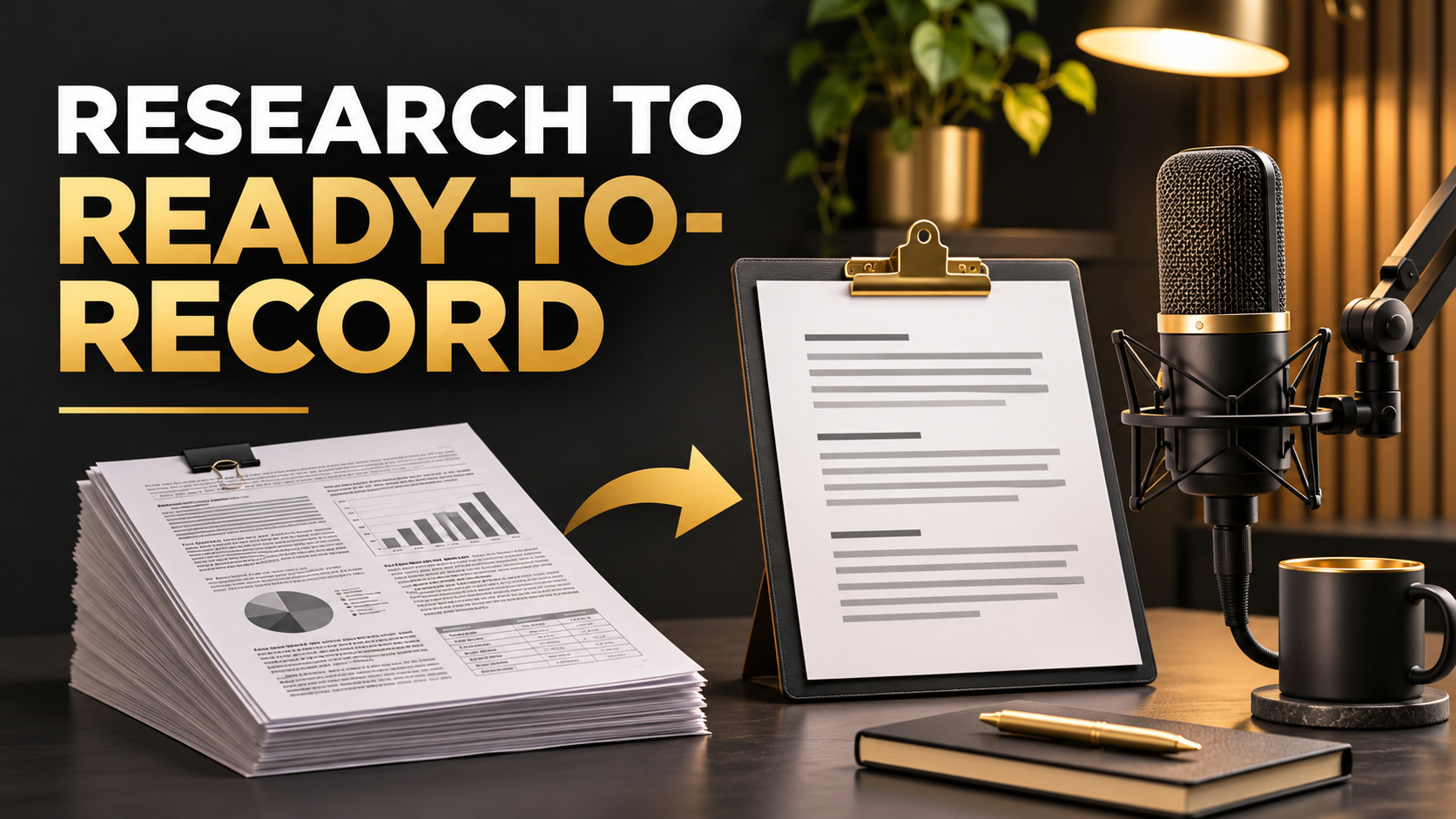
To write a YouTube script from a research document, choose a viewer question, select the evidence needed to answer it, and build a spoken explanation around that question.
Start with the material you have already researched. Then make the editorial choices that turn it into your video.
This workshop focuses on the path from one substantial document to a narration draft. For a broader introduction to different source types, see Narratora’s existing research-and-transcript guide. Source-driven YouTube scripting
Choose the question before summarizing the document
A document can support several videos.
A hypothetical city transit report might discuss reliability, passenger satisfaction, route changes, staffing, and funding.
“Everything in the transit report” is a large assignment.
“Why does a route feel less reliable even when its average travel time improves?” gives the viewer a question to follow.
The question determines which material deserves attention.
Write a private sentence describing the intended viewer and what they should understand by the end.
For example, a commuter should understand the difference between an average journey and an unpredictable one.
Inspect the document’s evidence
Identify who produced it, when it was published, what period it covers, and how it reached its conclusions.
Look for methodology, definitions, limitations, and the distinction between observed results and forecasts.
A graph labeled “future demand” needs different narration from one reporting measured passenger journeys.
Record page or section references as you work.
Those references can live in a working document even if they are not spoken aloud.
They will help you verify the script and prepare sources for viewers.
Build a small evidence ledger
Create a record of the claims the video needs.
| Planned point | Evidence to locate | Qualification |
|---|---|---|
| Average journey time changed | Relevant table and definition | Comparable routes and periods |
| Reliability differs from speed | Metric definition | Explain how variability is measured |
| Riders experience uncertainty | Relevant survey or service data | Identify who was surveyed |
| A proposed change may help | Report’s recommendation | Proposal and expected effect |
These are hypothetical categories rather than claims about an actual transit system.
A short ledger prevents the draft from borrowing the report’s certainty where its evidence is limited.
If a needed claim is absent, obtain support or narrow the video’s argument.
Build the explanation in viewer order
The report may begin with institutional background and methods.
Your video can begin with the viewer’s problem, then introduce the method when it becomes necessary to understand the evidence.
For the transit example, a workable sequence could be an unpredictable commute, the difference between speed and reliability, the relevant evidence, a practical illustration, and what the proposed changes can reasonably address.
Each section should answer a question created by the previous one.
Keep the source’s meaning intact while choosing an original explanatory order.
Write an opening that matches the promised video
An opening might begin with a concrete situation.
“Your bus journey takes roughly the same amount of time on average. But one morning it takes twenty minutes and another morning you miss the connection. That difference is what a reliability measure is trying to capture.”
The numbers in that illustration would need to be clearly hypothetical or replaced with verified evidence.
The opening creates a question and establishes the video’s purpose.
YouTube’s retention guidance identifies the first thirty seconds as a useful point for examining whether the opening met expectations created by the title and thumbnail. YouTube audience-retention guidance
Do not promise a larger answer than the evidence can deliver.
Translate document language into speech
Research documents often pack several ideas into one sentence.
Separate them into spoken units.
A hypothetical report phrase such as “increased variability in service intervals” can become, “The gap between buses became less predictable.”
Then explain the term where it matters.
Use names and figures carefully. Introduce what a measure means before asking the viewer to interpret it.
Avoid reading tables in full. Select the comparison that advances the explanation and show supporting detail visually where appropriate.
Keep fact, interpretation, and illustration distinct
Your video may contain all three.
A fact comes from the source. An interpretation explains what you think it means. An illustration helps viewers understand a mechanism.
Use language that signals the difference.
You might introduce a documented result, then say that it suggests a particular concern, and finally ask the viewer to imagine a simplified example.
That separation helps prevent a memorable analogy from being mistaken for evidence.
It also makes the script easier to review.
Create a first-pass script with Narratora
Manually extracting points, arranging the explanation, and turning formal writing into narration creates repeated work.
Narratora’s YouTube Script workflow transforms source material into a structured first-pass script.
Its Help Center confirms support for uploaded documents, audience and tone options, and editable generated content. It also advises verifying important facts before publication. Narratora Help Center
-
Upload the research document.
-
Review the detected source and appropriate workflow.
-
Select YouTube Script.
-
Set available length, tone, and audience options to fit the video.
-
Generate the draft.
-
Check its claims against your evidence ledger.
-
Rewrite passages that need your voice or interpretation.
-
Use or export the reviewed script for recording.
Describe the source accurately in any context field. Use only controls available in the current interface.
The benefit is beginning with structured narration rather than an empty page.
Inspect a YouTube Script example and ask whether its sectioning and spoken style fit your process. Narratora Samples Library
Add what makes the video yours
A generated draft does not know every experience or judgment that shapes your channel.
Add a relevant observation, a demonstration, a comparison you can defend, or a question your audience regularly asks.
Avoid inserting a personal anecdote merely to sound personal. Use it where it clarifies the subject.
For the transit video, a creator could demonstrate two journeys with the same average duration and different variability using an explicitly labeled example.
That turns a definition into something viewers can understand.
Add visual instructions after the explanation works
Once the narration is coherent, identify where an image, chart, quotation, or demonstration would help.
Use a simple production note.
| Narration purpose | Possible visual |
|---|---|
| Define a measure | Plain-language label |
| Compare two values | Clearly sourced comparison |
| Explain variability | Labeled illustrative journeys |
| Discuss a limitation | Relevant source passage |
| Explain a proposal | Simple annotated diagram |
Verify any real chart against the source.
The visual should clarify the claim rather than introduce a different one.
Keep production notes distinct from the words you intend to read.
Perform a recording rehearsal
Read the script aloud at a natural pace.
Mark sentences that force an unnatural breath, terms that need explanation, and passages that sound like written prose.
If a figure is difficult to follow, change the presentation.
You might explain the direction first, then state the value and the comparison period.
Time the actual read. Pauses, visual explanations, and delivery affect duration.
Edit for clarity and purpose rather than trying to reach a target through filler.
Check the final draft before recording
Verify names, dates, figures, quotations, causal statements, and the strength of the conclusion.
Compare each major claim with the original page.
Ensure that uncertainty has survived the rewrite. A source describing a possible effect should not become narration claiming a confirmed outcome.
Then compare the opening, title, and ending.
They should address the same question.
Keep a source record for viewers and for your own later corrections.
Frequently asked questions
Can one report support a complete YouTube video?
Yes, if it contains enough relevant evidence for a well-defined question. Add material where necessary and state the limits of the evidence.
Should I follow the report’s chapter order?
Choose an order that helps the viewer understand the answer while preserving the source’s meaning.
Can I read a generated draft immediately?
Review factual claims, source interpretation, and spoken delivery first. Add the perspective and explanations your audience expects.
What if the document is a scanned PDF?
Check extraction quality and the tool’s current scanning limits. Obtain a text-based version where possible.
Turn the document into your next recording draft
Use Narratora’s YouTube Script workflow to create a first pass from your research, then verify, personalize, and rehearse it.
The $5 five-day trial includes 40 credits and two premium outputs of your choice. It converts to a paid plan on day six unless canceled beforehand, with Max at $69 per month as the default. Start your trial
Sources
Add Narratora as a preferred source on Google
Tell Google you want our guides and tools first. Preferred sources show up higher in Top Stories, AI Mode and AI Overviews for you.
Add on GoogleTurn your sources into content like this
Narratora builds publish-ready scripts, briefs, and reports from your uploaded material.
Start Your 5-Day Trial — $1/Day