
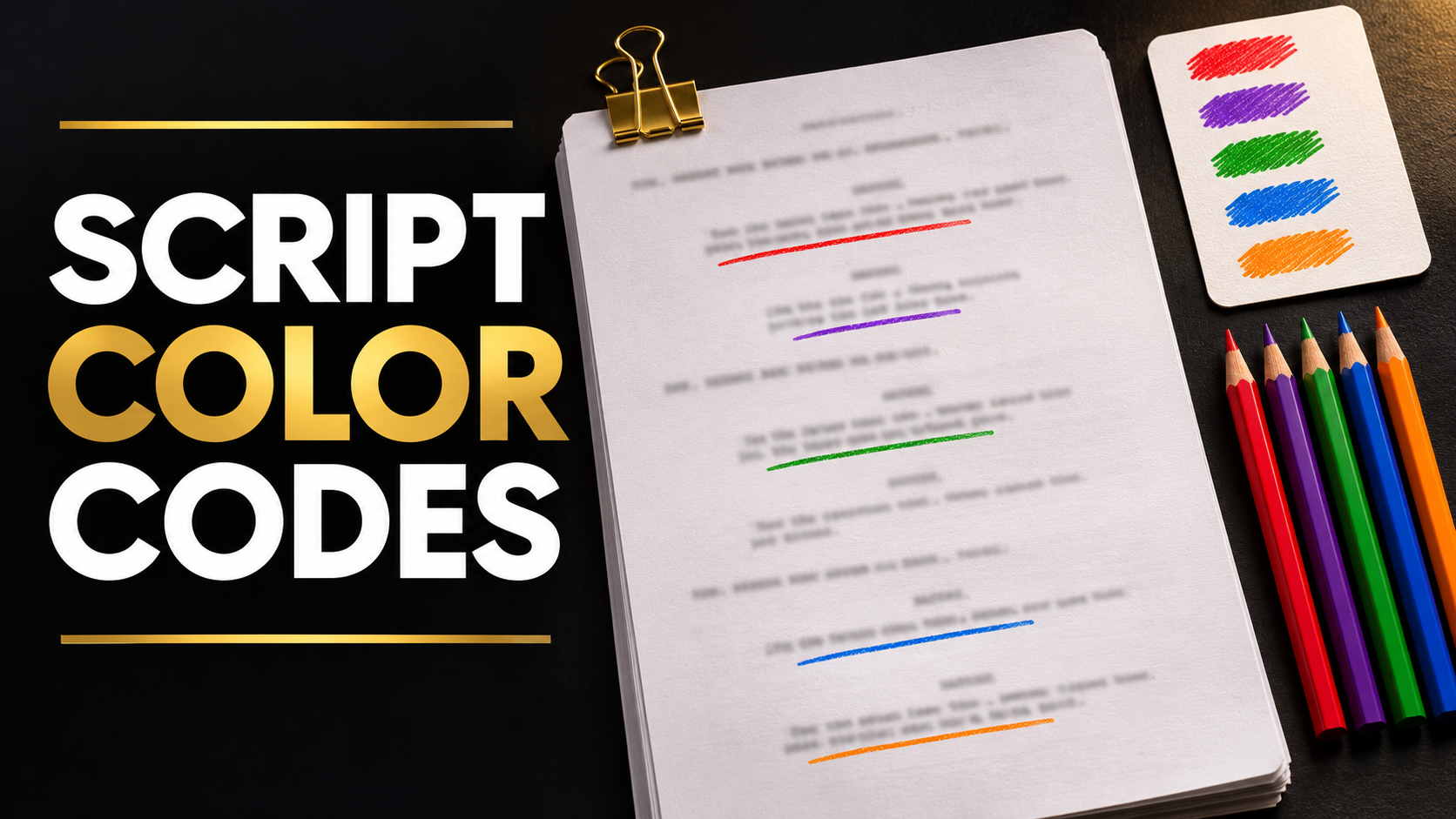
Film Script Breakdown Color Codes Explained: Cast, Props, Wardrobe, Locations and More
Understand script breakdown color codes for cast, props, effects, and more. Learn how to use a legend, handle overlaps, and keep production reports clear.
You open two marked-up screenplays. Both use purple, but the legends assign it differently.
That can happen because breakdown systems vary across templates, software, and productions.
Script breakdown colors identify categories of production elements. Use the legend adopted by your production, include written labels, and make sure every department understands the same mapping.
Familiar conventions can help a crew read quickly. A clearly distributed legend makes that familiarity dependable.
This guide explains one documented traditional system, the decisions colors cannot make for you, and how to turn markings into useful production information.
What script breakdown color codes do
A marked screenplay draws attention to requirements such as performers, props, action, vehicles, and effects.
The marking is an index back to the text. The breakdown record gives the department the details it needs to investigate and prepare.
For example, a purple underline may identify a prop. The corresponding record should explain which prop, where it appears, what action it performs, and whether its condition changes.
StudioBinder’s overview explicitly notes that the colors can vary. Its examples include red for speaking cast and purple for props, while its software supports its own category system. Script breakdown colors
A traditional color-code reference
The following mapping comes from a published production breakdown procedure. Treat it as a reference legend and compare it with the system your team uses.
| Category | Color or symbol in this reference |
|---|---|
| Speaking cast | Red |
| Stunts | Orange |
| Bit players | Yellow |
| Background atmosphere | Green |
| Special effects | Blue |
| Props | Violet |
| Picture vehicles | Pink |
| Animals | Dark pink |
| Hair and makeup | Asterisk |
| Wardrobe | Oval |
| Special equipment | Rectangle |
| Sound notes | Brown |
The reference combines colors and symbols. Other templates or software may assign different colors or use separate categories. Published breakdown procedure and legend
Do not infer performer employment classification or contractual status from the color assigned to a script element. Those decisions require the production’s appropriate review.
Cast and background markings need context
A character’s name appearing in dialogue is an obvious cast cue. A character can also appear silently, be visible in a photograph, speak offscreen, or be heard through a device.
Record the actual appearance and performance requirement.
For background, distinguish what the screenplay establishes from what the director and departments must decide.
“A crowded station” does not independently establish a confirmed background count. It creates a planning question about scale, framing, activity, and available space.
Example
The script reads that a commuter pushes through a crowd while a guard watches.
Your review might identify the commuter, the guard’s appearance, a background requirement, and the action moving through the crowd.
The category color helps locate those items. The written record explains them.
Props need identities and actions
An object’s production significance depends partly on how it is used.
A cup on a shelf may be part of the environment. A cup the protagonist drinks from, hides evidence inside, or throws across the room requires a more specific discussion.
When tagging a prop, record its function.
Useful questions include whether it recurs, whether the audience needs to recognize it, whether it changes condition, and what action must be repeated.
A single label such as “phone” can conceal several requirements.
One scene may need a readable screen, another a ringing sound, and another a damaged version. Give departments enough information to distinguish those conditions.
Wardrobe and makeup markings track changing states
A scene may introduce a wardrobe requirement through action.
A character leaves in rain, falls in mud, tears a sleeve, or arrives with a visible injury.
Connect the requirement to the surrounding story scenes. The production may shoot the clean and damaged states in an order different from the screenplay.
Record the starting state, the scripted change, and the state carried forward.
Symbols can help identify these passages on paper, but the department report needs a written description.
For complicated action, departments should discuss reset and continuity requirements together.
Stunts and effects require specialist interpretation
A fight, fall, collision, smoke effect, or apparent injury may involve several departments.
Mark the scripted action and identify the questions.
A person falling through a table can involve performance, props, construction, wardrobe, makeup, effects, camera planning, and later image work.
A color does not establish an approved method.
The AD team and relevant specialists need to determine how the action will be realized and what preparation is required.
Where do locations belong?
Locations are often represented through scene headings and dedicated location fields.
Separate these three concepts.
| Concept | Example |
|---|---|
| Story location | Police interview room |
| Specific story set | Interview room B |
| Shooting location | A practical office adapted for the scene |
A location list should preserve the relationship among them as decisions develop.
If your system gives locations a highlight color, include it in the legend. If it uses scene-heading fields instead, ensure those fields remain consistent.
Avoid assigning a supposedly universal location color. The documented systems already show that category mappings vary.
Keep VFX visible as its own requirement
Some older legends use broad effects categories. A contemporary production may benefit from distinguishing practical effects and VFX.
That distinction should still allow shared references.
A window breaking may involve an on-set action, a practical element, a cleanup task, or a digital component depending on execution.
Flag potential VFX requirements and carry them into a dedicated VFX review.
Narratora offers VFX Breakdown as a separate workflow alongside Production Script Breakdown. The broader breakdown can help identify cross-department questions, while the dedicated output organizes potential VFX work for review.
Use a consistent first pass with Narratora
Manually marking every scene and carrying each element into department information creates repetitive work.
Narratora’s Production Script Breakdown generates a comprehensive first pass that includes scene requirements, department information, and color-coded screenplay markup. Production professionals can review and refine the output.
Its official feature page emphasizes scene-by-scene information and element summaries for the AD and department heads. Production Script Breakdown
-
Upload the screenplay.
-
Choose Production Script Breakdown.
-
Generate the first-pass material.
-
Inspect the output’s legend and category labels.
-
Verify scenes, recurring elements, and special requirements.
-
Use the reviewed information in departmental preparation.
Check the generated output’s actual legend before interpreting its colors.
Download a Production Script Breakdown example and inspect how its marked material relates to the reports. Narratora Samples Library
Handle overlapping requirements with linked records
One phrase can create several needs.
“The courier’s blood-soaked sleeve catches fire” may prompt wardrobe, makeup, effects, action, and possible VFX questions.
Highlighting the sentence repeatedly can become difficult to read.
Instead, create a shared action reference and connect the relevant records to it.
| Shared action | Department question |
|---|---|
| Sleeve ignition | What is the intended image and execution approach? |
| Wardrobe condition | What condition begins and ends the action? |
| Makeup continuity | What visible injury or blood state is required? |
| Effects and VFX | Which practical and digital tasks need evaluation? |
This table is an editorial planning example. The production determines the final responsibilities.
Do not confuse element colors with revision colors
A highlighted prop category identifies a kind of requirement. A colored revision page identifies a script revision under the production’s chosen system.
Stripboard colors may carry yet another meaning.
Keep separate legends where needed and include revision dates and identifiers.
Written labels are especially helpful when reports are printed in grayscale or read by someone who cannot distinguish a particular pair of colors.
Audit the legend before distribution
Review one complicated scene with the AD and relevant departments.
Can everyone identify the category, the named element, the action, and the source reference?
Then inspect a printed copy or grayscale preview. Confirm that color loss does not remove essential information.
Record who owns changes to the category system. If a new category is introduced, update the legend and explain how existing records should be interpreted.
A familiar color becomes useful when the team shares a clear meaning.
Frequently asked questions
Is there one mandatory script breakdown color system?
Published templates and software vary. Adopt a clear production legend and distribute it with the material.
What color should wardrobe be?
The traditional reference in this guide uses an oval. Other systems use a color. Follow the legend attached to the production’s breakdown.
Are VFX and special effects the same category?
They involve different kinds of work, though individual moments can require both. Establish clear categories and review shared requirements together.
Can I use colors without written category labels?
Include written labels so the information remains usable across printing, accessibility needs, and different software displays.
Build a breakdown the team can read consistently
Try Narratora’s Production Script Breakdown to create a structured first pass, then review its categories and requirements with your production team.
The $5 five-day trial includes 40 credits plus two premium outputs of your choice. Production Script Breakdown can be selected as a premium output. It converts to a paid plan on day six unless canceled beforehand, with Max at $69 per month as the default. Confirm ongoing workflow access on the pricing page. Start your trial
Sources
Add Narratora as a preferred source on Google
Tell Google you want our guides and tools first. Preferred sources show up higher in Top Stories, AI Mode and AI Overviews for you.
Add on GoogleTurn your sources into content like this
Narratora builds publish-ready scripts, briefs, and reports from your uploaded material.
Start Your 5-Day Trial — $1/Day