
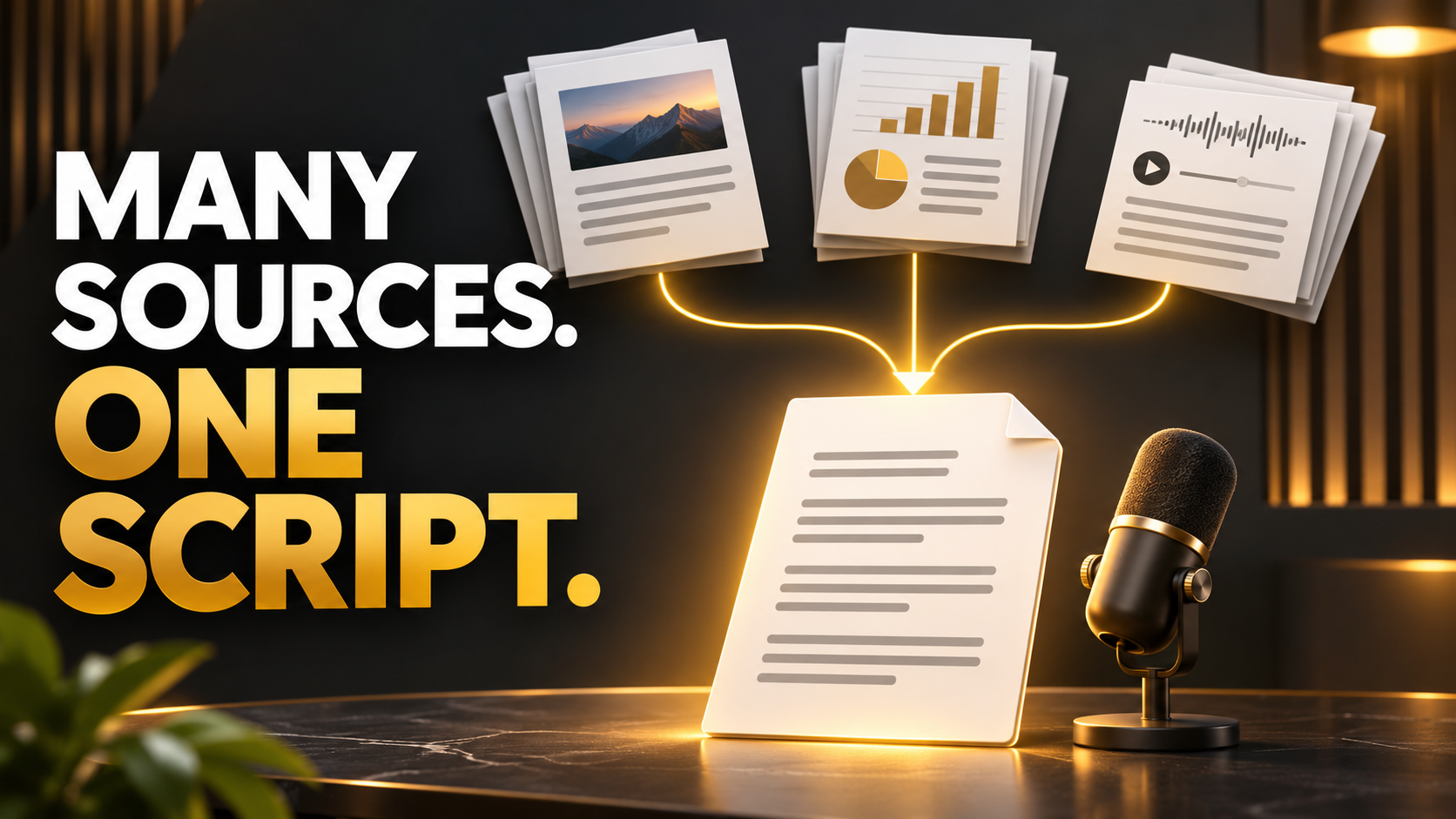
How to Turn Multiple Research Sources Into One Well-Structured YouTube Script
Combine reports, articles, and transcripts into one YouTube script. Resolve contradictions, trace claims, remove repetition, and build a coherent argument.
One report says a market is growing. An interview describes a slowdown. Two articles repeat the same forecast.
You have several sources, but they do not yet form a coherent video.
To combine research into one YouTube script, organize evidence around a central question, check whether sources measure the same thing, and distinguish independent support from repeated reporting.
Then build an explanation in the order the viewer needs.
This process helps you preserve useful disagreements instead of smoothing them into an unsupported conclusion.
Define the question and the boundaries
Start with what the video will answer.
A subject such as “remote work” is broad. A question such as “Why are some small offices expanding while companies reduce their total office footprint?” creates a more specific research task.
Define the geography, period, audience, and meaning of important terms.
Those boundaries help you decide which material belongs.
If one source covers major cities and another covers a national market, record that difference before treating their findings as contradictory.
A focused question also gives you a standard for cutting interesting material that does not contribute to this video.
Build a source register
Give each document an identifier and record what it is useful for.
| Source | Type | Period covered | Main use | Limitation |
|---|---|---|---|---|
| A | Statistical report | Defined observation period | Measured trend | Limited geography |
| B | Interview | Current discussion | Practitioner perspective | Individual account |
| C | Company document | Reporting period | Company-specific information | Company’s own account |
| D | News article | Publication date | Context and leads | May rely on other sources |
These are hypothetical records.
Separate publication date from the period the data describes. A newly published article can discuss older measurements.
Keep links or file references so you can return to the evidence.
Follow important claims to their origin
Several pages may depend on one report.
If three articles repeat the same survey finding, you have three accounts of one source.
Trace significant figures and quotations to the original material where possible.
Check whether the articles preserve the original definition, sample, period, and qualification.
This is especially useful when a headline compresses a nuanced finding.
Use secondary reporting for context and additional questions, while preserving the origin of the claim in your working notes.
Create a claim matrix
Organize the material by the points the video needs to establish.
| Planned claim | Supporting material | Tension or gap | Decision |
|---|---|---|---|
| A broad trend exists | Report A | Coverage differs by region | Narrow the wording |
| Some firms behave differently | Interview B and document C | Examples may be unrepresentative | Describe as examples |
| A mechanism may explain it | Several sources | Causation uncertain | Present as an interpretation |
| A forecast is plausible | Forecast source | Assumptions may change | State the conditions |
The matrix is a private editorial tool. It gives you a place to decide what the evidence allows before polished narration makes the claim sound settled.
Resolve apparent contradictions carefully
Two sources can disagree because they answer different questions.
Check these differences first.
-
Population or geography
-
Observation period
-
Definition
-
Measurement method
-
Baseline
-
Actual result versus forecast
-
Aggregate versus subgroup
For the office example, total leased space and the number of small offices measure different things.
Both can move in the directions described without contradiction.
If sources still disagree after the comparison, preserve that disagreement. Explain the competing accounts and what remains uncertain.
Avoid choosing the most convenient result simply because it supports a cleaner story.
Choose a provisional answer
Write a private answer to the video’s central question using only what the evidence supports.
For example, the working answer might be that a broad reduction and a specific subgroup’s expansion can coexist because the measurements describe different parts of the market.
That sentence becomes an organizing hypothesis.
Keep testing it as you draft.
If the evidence weakens it, revise the answer rather than forcing the sources into place.
This is where research starts becoming editorial judgment.
Structure by questions rather than documents
A source-by-source script often repeats background and definitions.
Instead, build sections around the viewer’s next question.
For the hypothetical office video, the sequence could explain the broad trend, identify the subgroup, compare the measures, examine possible reasons, and state what the evidence cannot yet establish.
One section may use several sources. One source may support several sections.
Give each important claim an appropriate introduction.
Viewers should be able to distinguish a measured result from an interviewee’s explanation.
Use Narratora to generate the first-pass script
Synthesizing reports, articles, notes, and transcripts creates repeated work before narration begins.
Narratora supports combining multiple source types in a project and generating a YouTube Script. Its Help Center confirms multi-source input, audience and tone controls, and a reviewable draft. Narratora Help Center
-
Gather the relevant source files and links.
-
Label them clearly and note the periods they cover.
-
Add the sources to one project.
-
Select YouTube Script through the appropriate workflow.
-
Set available length, tone, and audience options.
-
Generate the first pass.
-
Compare its claims with your matrix.
-
Refine interpretation, transitions, and your own commentary.
-
Use or export the reviewed draft.
Keep your source register outside the generated script as an editorial check.
Do not assume that adding several documents guarantees correct reconciliation of every disagreement.
Inspect an example of the output before building your project. Look at whether the narration develops a clear question and answer. Narratora Samples Library
Add transitions that explain the relationship
A transition should tell the viewer why the next evidence matters.
“Another report says…” identifies a source change.
“The national figure describes the total market. The next document isolates smaller workplaces” explains the relationship.
That kind of transition helps the viewer understand why apparently conflicting information belongs in one explanation.
Write transitions after the main sections are stable.
They often reveal whether the argument actually connects.
Keep uncertainty in the spoken draft
Research qualifications can disappear during compression.
A forecast becomes a result. An association becomes a cause. A subgroup becomes “everyone.”
Search the draft for strong words such as proves, always, caused, and will.
Check whether the evidence supports that strength.
Use precise language to preserve the distinction. A source can report an outcome, suggest an explanation, or project a possibility.
Clarity includes being clear about uncertainty.
Plan attribution for the viewer
Decide which sources should be named in narration, shown on screen, and linked in supporting material.
Important claims should remain traceable.
For a figure shown visually, include an appropriate source and period. For a quotation, verify the wording and speaker.
Avoid attributing a company’s statement to the market as a whole.
Keep a record of source access dates where the material changes over time.
These practices also make later corrections easier.
Check the argument before polishing delivery
Ask a reader to identify the video’s question, strongest evidence, main caveat, and conclusion.
If they remember the anecdotes but cannot describe the answer, revisit the structure.
Then read the draft aloud.
Break dense sentences into spoken units and explain technical language at the moment it becomes necessary.
Your final check should compare the title and opening with what the conclusion actually establishes.
YouTube advises creators to examine whether the beginning meets the expectations created by the title and thumbnail. Audience-retention guidance
Frequently asked questions
How many research sources does a video need?
Use enough appropriate evidence to answer the question responsibly. Source count alone does not establish quality or independence.
What if two reputable sources disagree?
Compare definitions, methods, periods, and populations. If disagreement remains, explain it and limit the conclusion accordingly.
Should every source appear in the narration?
Choose attribution that keeps important claims clear and traceable. Supporting material can hold additional references.
Can Narratora combine documents and transcripts?
Its Help Center confirms that multiple files, text, and supported links can be combined in one project. Review the generated synthesis before publication.
Build one explanation from the research you have
Try Narratora’s YouTube Script workflow with your source collection, then verify the evidence and make the argument your own.
The $5 five-day trial includes 40 credits and two premium outputs of your choice. It converts to a paid plan on day six unless canceled beforehand, with Max at $69 per month as the default. Start your trial
Sources
Add Narratora as a preferred source on Google
Tell Google you want our guides and tools first. Preferred sources show up higher in Top Stories, AI Mode and AI Overviews for you.
Add on GoogleTurn your sources into content like this
Narratora builds publish-ready scripts, briefs, and reports from your uploaded material.
Start Your 5-Day Trial — $1/Day